How to bill travel to site fairly so the kilometres add up
The same route can come out at 47 km one day and 35 km the next. Here's why, and how to log travel on timesheets the same way every time, even with several sites a day.

The problem nobody calculates twice
You drive to the same site all week. On Monday you log 47 km, on Thursday 35 km. Same road, same house. The client paid two different amounts for the same trip (say €12.50 and €9.41), and you don’t even know which time you were right.
Travel is real money. A few sites a week and a 12 km difference per day adds up to tens of euros a month: either yours or your client’s.
Why the kilometres drift apart
Many apps, and the maps on your phone, pick the route based on current conditions: roadworks, traffic jams, detours. Today the longer route is best, tomorrow the shorter one. Ask about the same pair of addresses and you get different answers.
For billing clients, that’s bad news. Kilometres should be a fact recorded once, not the result of a question asked every day.
Three rules that work
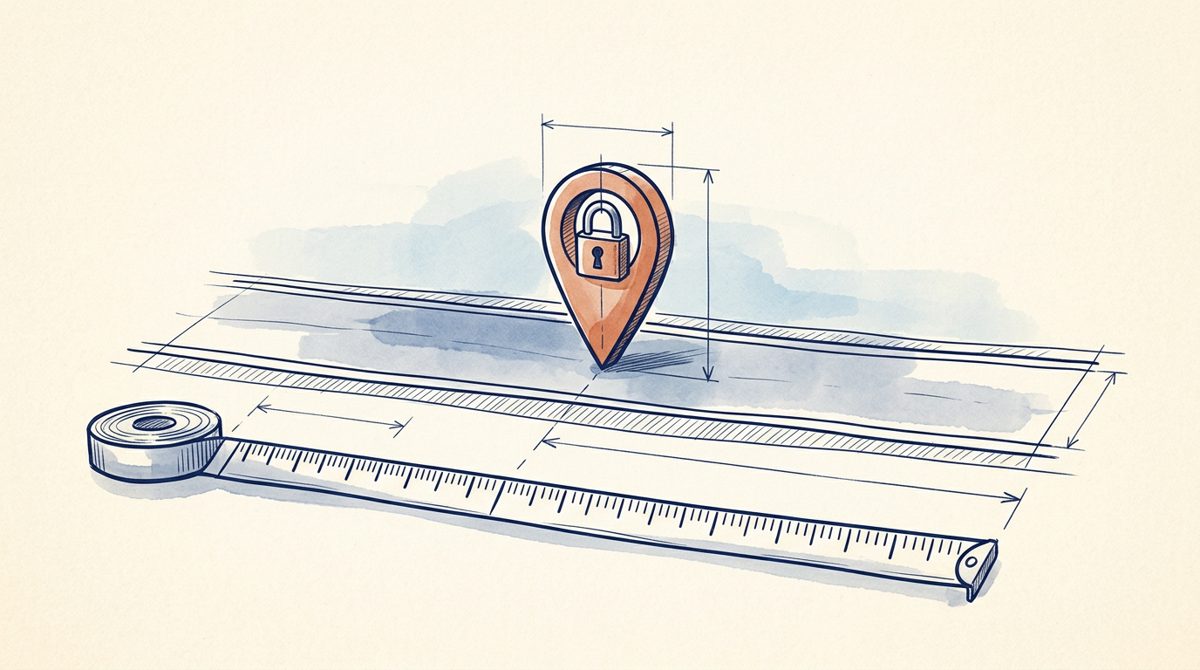
- Measure the route once and save it. The first measurement home → site becomes the official distance for that pair of addresses. All later timesheets use it.
- Changed address? Measure again. Only a change of home or site address is a reason to recalculate.
- Old billing stays as it is. A timesheet that has already gone to the client is never changed retroactively.
Several sites in one day
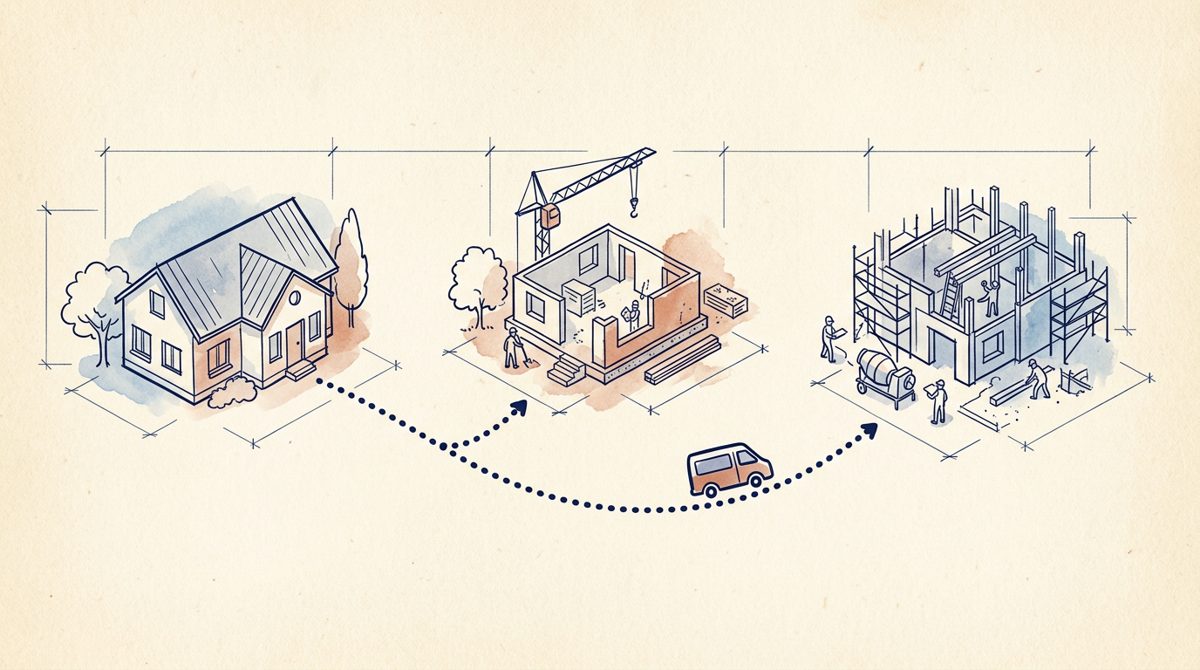
The most common dispute: an employee drives from home to site A, then from A to B. Which client gets charged for which leg?
A rule that is fair and simple:
| Leg | Who pays |
|---|---|
| Home → first site of the day | client of the first site |
| Site A → site B | client of site B |
| Last site → home | nobody |
The second client doesn’t pay for a road that nobody drove from home. It helps if the timesheet shows where the travel was calculated from (“from home”, “from previous site”), and if you can correct the number with one click.
How BuildHub AI does it
- The distance between two points is calculated once and saved, so the same route always gives the same number.
- The timesheet picks the starting point itself using the rule above and shows “Travel from: Home / previous site”.
- You can add your own running-cost margin (fuel, depreciation) on top of the travel cost, and set it globally or on a specific timesheet.
- The “Recalculate travel” button corrects timesheets that haven’t been invoiced yet.
Timesheets with travel billing are included in every plan. See it in the free demo: buildhubai.com.
Related Articles

Raising your hourly rate: how to do it so your invoices stay correct
New rate from 1 September, but timesheets still use the old one. How to store r…

Construction Recruitment: How to Find Workers Who Stay
Practical recruitment guide for construction. Where to find skilled workers, ho…

Client Communication – 5 Mistakes That Ruin Relationships with Investors
Discover the five most common communication mistakes made by construction contr…
Ready to optimize your construction business?
Join hundreds of construction companies using BuildHub AI